5 practical PDF guides
Food Cost Control, Menu Pricing, Menu Engineering and Cash Flow, plus a new 30-Day Field Guide linking each decision to a tool.
Cost the plate. Compare delivery. Plan your cash. Get the guides, editable Excel and offline tools together in the Restaurant Profit System.
Digital download in English. No subscription. Download after payment confirmation.
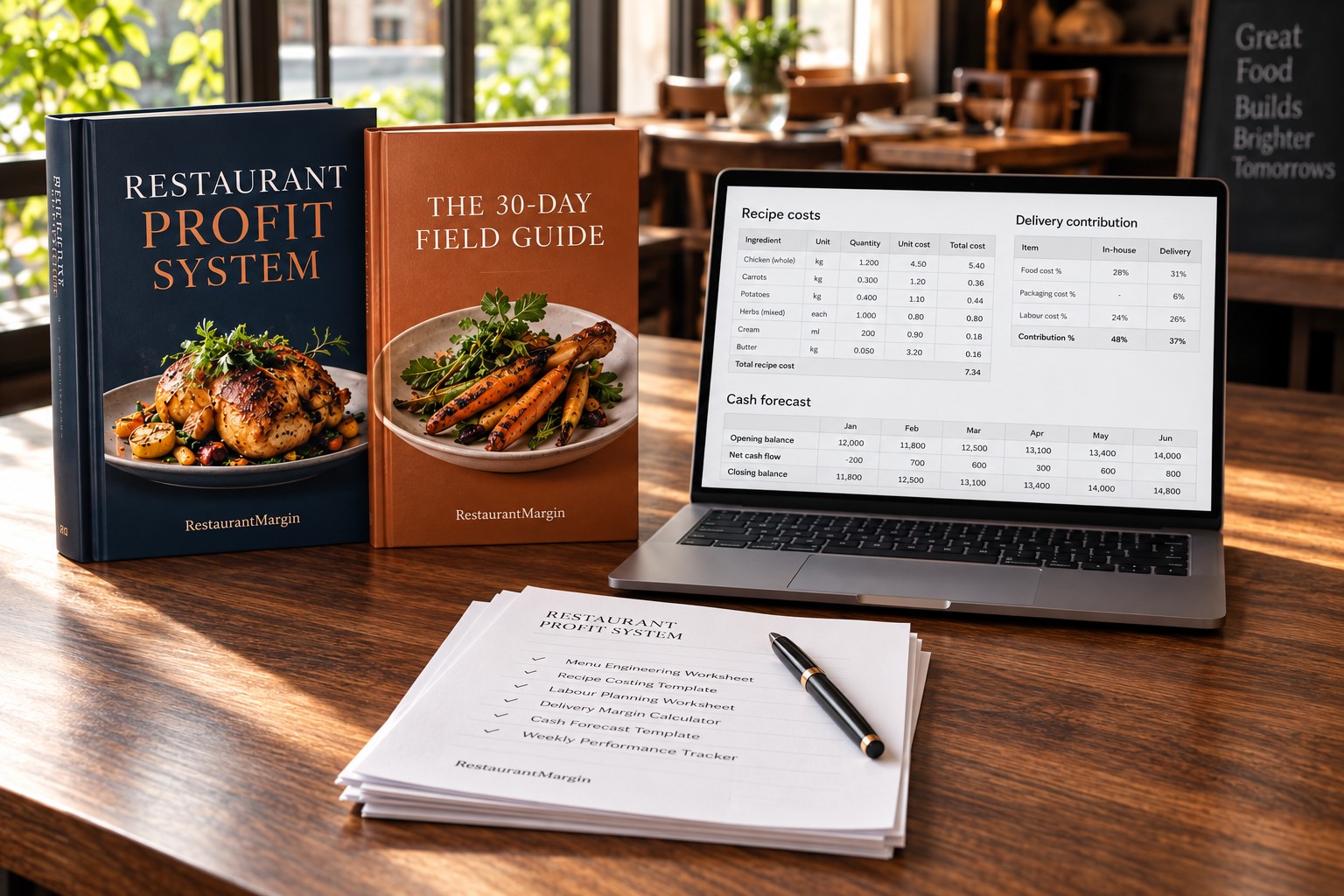
Food Cost Control, Menu Pricing, Menu Engineering and Cash Flow, plus a new 30-Day Field Guide linking each decision to a tool.
Recipe yields, channel contribution, menu mix, a 13-week cash forecast, campaign break-even and your weekly food and prime cost review.
Recipe yield, channel margin, price change, break-even sales, campaign payback and prime cost. Open the HTML file in your browser.
Supplier price review, waste log, menu cost audit, shift handover, campaign tracking and the weekly action list.
Illustrative USD example: selling price 10, ingredient cost 3, other variable costs 0.50, delivery packaging 0.50, commission 20% and a 10% discount.
Contribution is before fixed costs and tax. The spreadsheet and calculators let you test your own figures.
No. US$20 is a single payment for the downloadable toolkit.
After Stripe confirms payment, you return to a protected download page. Save the ZIP and a local copy of your files.
The pack contains downloadable guides, Excel, HTML tools and CSV templates. AI workspace usage and the FoodPhoto Academy course are separate.
The workbook is an XLSX file with ordinary formulas and no macros. Use a compatible spreadsheet app. The six HTML calculators work locally in a browser.
Four guides collect RestaurantMargin’s existing English operator content. The 30-day field guide, connected Excel, offline calculator suite and CSV templates were built for this toolkit.
Yes, use the same currency for every input in a calculation. The examples use USD; the files do not perform exchange-rate conversion.